Load your model
Drop an STL, OBJ or a painted 3MF. Separate parts, like snake segments or car doors, are found for you.
.stl.obj.3mf
Load an STL, pick giraffe, tiger or camo, and download a 3MF that opens already painted in your slicer. Up to 8 filaments, no painting by hand.
Runs in your browser. Your model never leaves your computer.
No layers, no texture maps, no masking. Skin Lab paints the triangles of your model and writes the paint into the 3MF the way your slicer reads it.
Drop an STL, OBJ or a painted 3MF. Separate parts, like snake segments or car doors, are found for you.
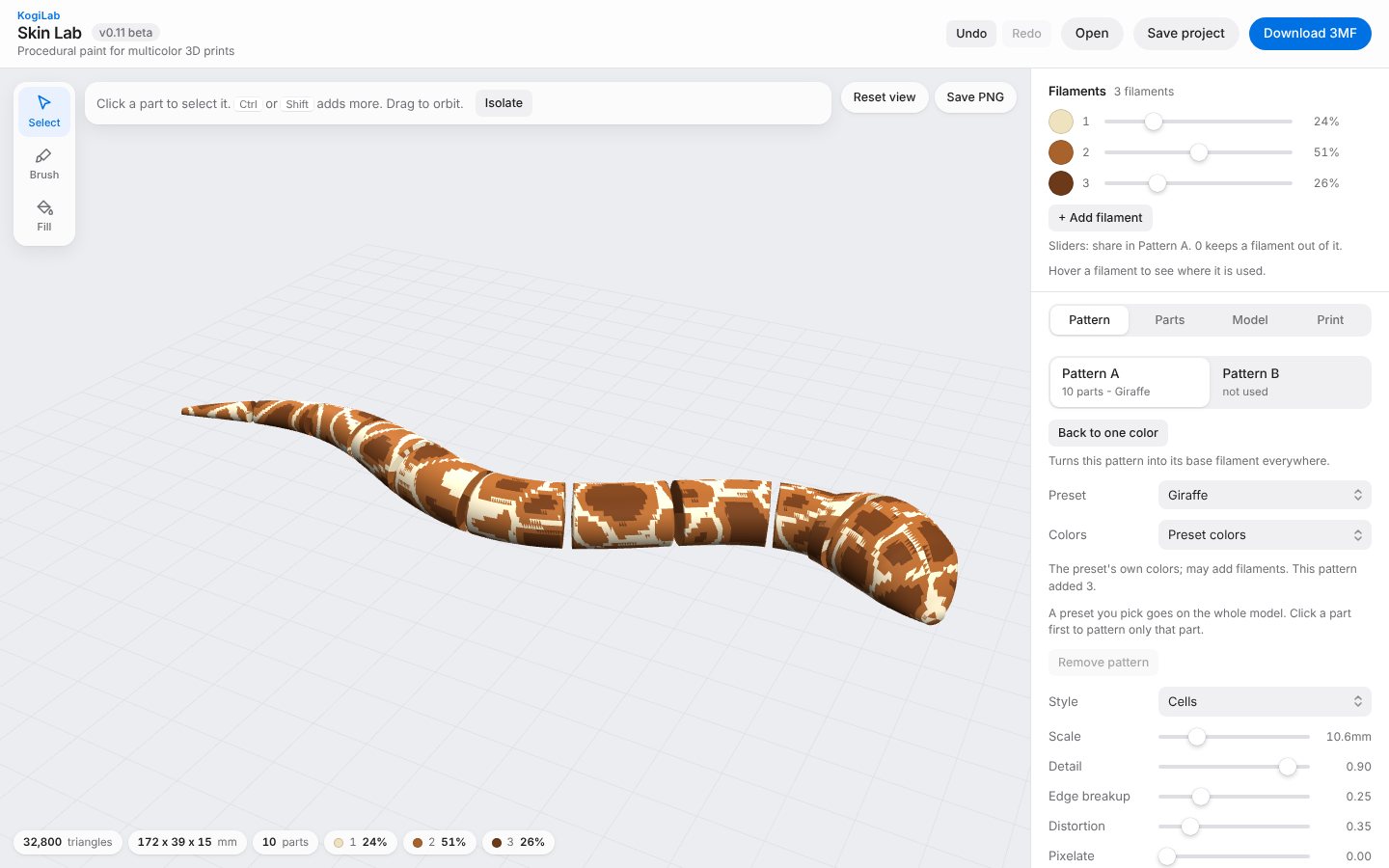
Choose a preset for the whole model or one part, then tune scale, detail and colors. Brush and fill take care of eyes and details.
Get a 3MF with your filaments already assigned. Open it in your slicer and print on your AMS or MMU.
Every skin is procedural: change the scale or the seed and you get a new pattern that still prints cleanly.
Click a part and pick a preset. Body in giraffe, head in tiger, belly in one solid color.
Each color change costs a purge. Skin Lab counts them per layer and estimates the grams.
Paint eyes and stripes by hand. Fill stops at edges or colors. Mirror paints both sides of a face at once.
Use the preset colors, keep the part's own color as the base, or map the skin to the spools you already own.
Print-in-place snakes, dragons and more from KOGI3D, set up for Skin Lab: parts named, the right way up, a skin suggested. New models every month.
Library opens with KogiLab ProFree while in beta. Nothing to install.